
Personal
Personal workspace
Members
- You
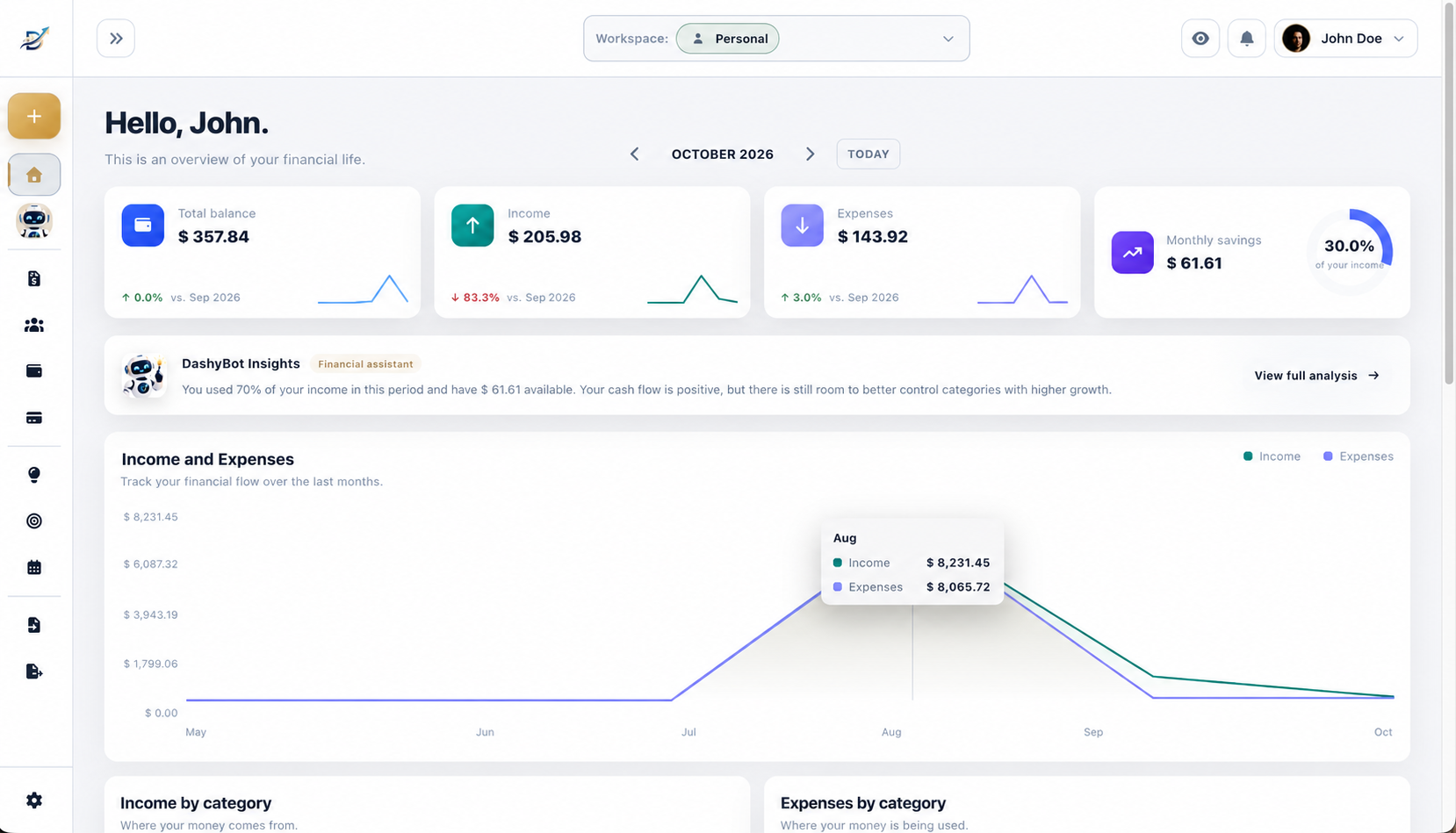
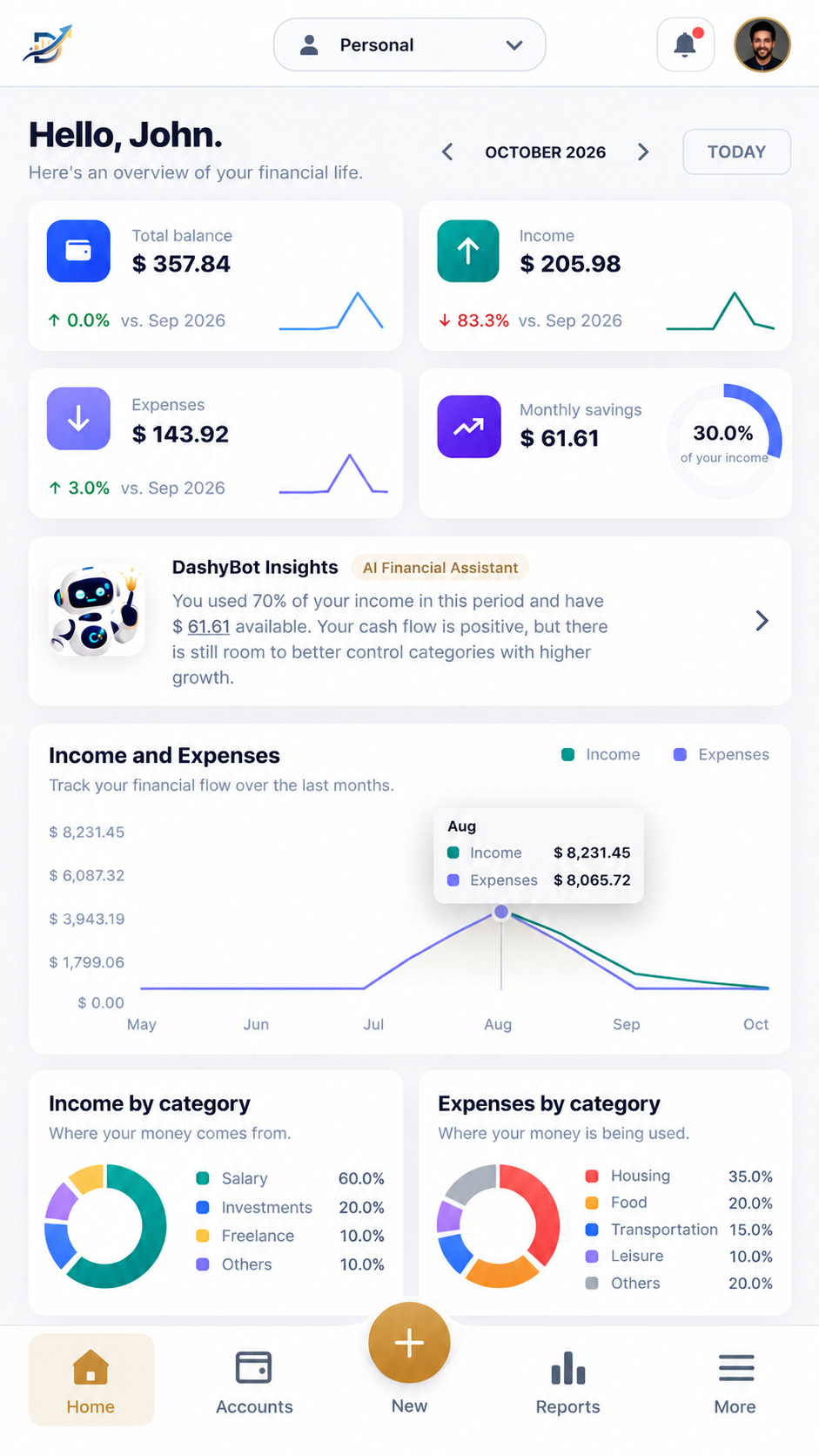
More than financial tracking. Organize, understand, and plan your financial life with help from an AI-powered financial assistant.
7 days free — all features. No card required
Accounts, cards, and transactions in one place.
See where your money is going.
Use goals, calendar, and financial planning.
Manage finances with your family or others.
Your financial assistant helps you turn data into information that makes sense.
Ask in natural language and get answers based on your data — you stay in control of your decisions.
Workspaces
Create independent financial spaces and share with those who matter. Each workspace has its own context — separate accounts, transactions, and permissions.
Personal workspace
Shared
Shared
Product
Real DashyMoney features, grouped so you can see the full path — from day-to-day to planning.
Everything you need for a clear view of your money.
Cards, invoices, and financial commitments in one place.
Goals, projections, and decisions with more context.
Plans
Start for free and grow as your needs evolve.
7 days free with all features for new users (one time only). No card required.
Organize your personal finances simply and for free.
More control for you and those who manage finances with you.
Automatic monthly billing
Cancel anytime with no cancellation fee.
All DashyMoney features, including DashyBot.
Automatic monthly billing
Cancel anytime with no cancellation fee.
Everything in Premium, with 300 AI interactions per month and financial analysis to help support your investment decisions.
Automatic monthly billing
Cancel anytime with no cancellation fee.
* Additional interactions can be purchased separately. Your plan's monthly allowance is used first; purchased additional interactions remain available in later months while you still have a balance.
Privacy
We treat your financial information with the seriousness it requires — with transparency and control.
Sign in with email and password or providers like Google and Apple. Passwords are never stored in plain text.
Every operation validates permissions on the server. Workspace members access only what they are authorized for.
Financial data is isolated by workspace. Each space has an independent context.
FAQ
Straight answers about DashyMoney.
DashyMoney is a platform to organize, understand, and plan your financial life. You can manage accounts, transactions, cards, calendar, goals, and shared workspaces — with DashyBot, an AI financial assistant, on Premium and Investor plans.
There are four plans: Free, Pro, Premium, and Investor. Free is free forever. Pro, Premium, and Investor are monthly subscriptions with different features and limits.
Pro adds shared workspaces, cards, import/export, and email reminders, without DashyBot included after the trial. Premium includes everything in Pro, DashyBot, and 100 AI interactions per month. Investor includes everything in Premium, 300 AI interactions per month, and is also designed for people who invest.
No. Every new user can start a 7-day trial with all features without adding a card.
It is a one-time 7-day period with all commercial features of DashyMoney — including investment insights and analysis — no card required. During the trial you have up to 20 AI interactions in total (not a monthly allowance). After the trial, you choose Free, Pro, Premium, or Investor based on your needs.
At the end of the trial, you can choose between Free, Pro, Premium, or Investor plans. The platform will show what remains available, what will be blocked, and the limits of each option.
Pro, Premium, and Investor are monthly subscriptions with automatic recurring billing. You don't need to renew manually every month — billing happens month by month.
An AI interaction is one request you make to DashyBot. If DashyBot needs clarifying questions to complete that same request, they still count as part of the same interaction.
After the trial: Free and Pro do not include DashyBot. Premium includes 100 interactions per month. Investor includes 300 interactions per month. The monthly allowance does not roll over to the next month.
Yes. Premium and Investor subscribers can purchase additional interactions separately from the monthly allowance. The monthly allowance is used first; any remaining purchased balance can be used in later months until it is consumed.
DashyBot uses Artificial Intelligence to help you understand your financial data — for example, spending by category, trends, and planning. It interprets information calculated by the system; you remain in control of your decisions. It is available on Premium and Investor plans (and during the full new-user trial). Investment insights and analyses are individual to each user and are not automatically shared with other workspace members.
No. DashyMoney does not require a bank connection to get started. You can record transactions manually, import statements or spreadsheets (on plans that include import), and organize everything at your own pace.
Yes. On Pro, Premium, and Investor plans, you can create shared workspaces and invite others — each workspace with its own financial context, permissions, and members.
Yes. The Free plan lets you organize your personal finances with a personal workspace, up to 2 active accounts, statement, categories, and financial calendar — free forever, without DashyBot after the trial.
DashyMoney treats your financial data with care: secure authentication, workspace access control, and separation of financial contexts. Each user can access only the workspaces they are permitted to use. Learn more on our security page.
Start now and organize your finances with more clarity and intelligence.
Start for free